Residential vs Commercial Security Camera Systems
Security camera systems have become an essential part of both home and business safety planning. While these setups may appear similar at first glance, their design, performance requirements, and long-term usage differ in significant ways. Choosing the right equipment depends on factors such as property size, monitoring needs, storage expectations, and future scalability.
Understanding the differences between residential vs commercial security cameras helps property owners make informed decisions that align with their goals. This article provides a detailed comparison of both types, covering technology, camera resolution, recording methods, and operational considerations.
Understanding the Purpose of Security Camera Systems
Security cameras serve as tools for monitoring activity, documenting events, and supporting safety planning. Their purpose varies depending on the environment in which they are installed to ensure maximum effectiveness for the end user.
Establishing a clear goal for the system helps in selecting the right hardware. The following objectives highlight how different environments require specific monitoring strategies.
Home Security Camera Objectives
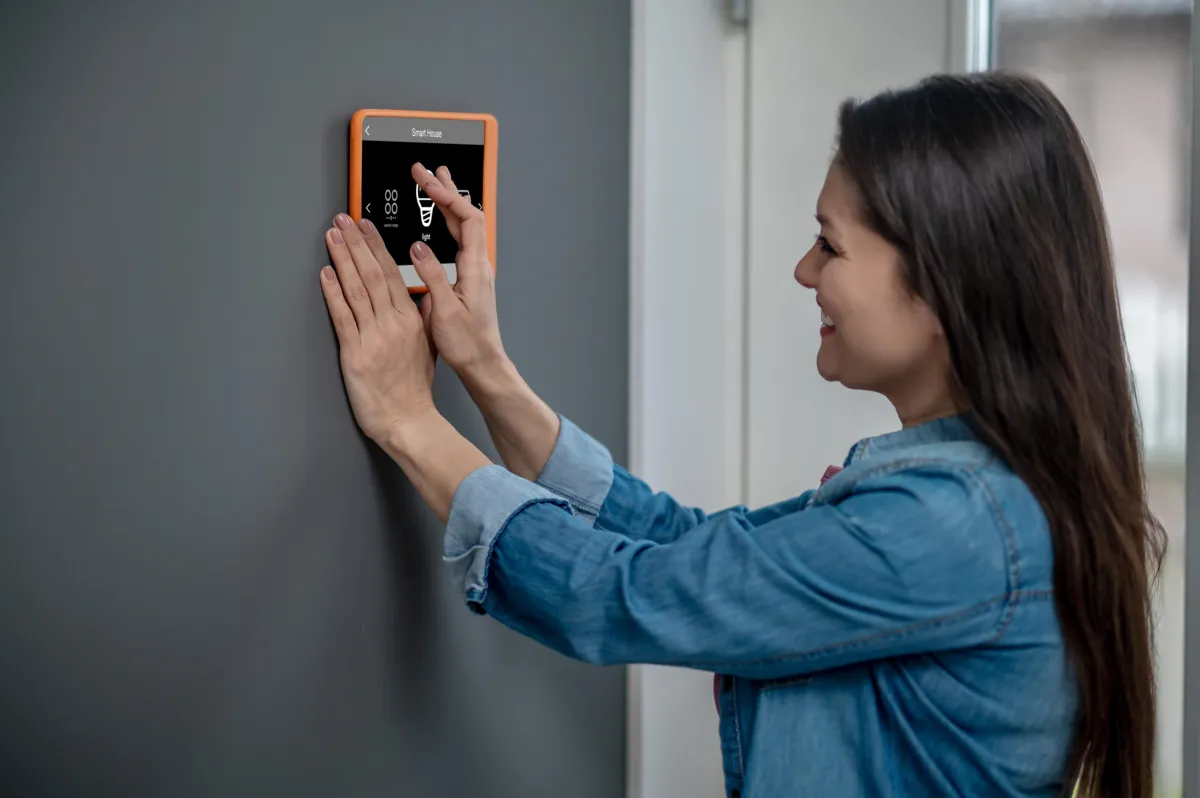
Systems for the home are typically designed to support household safety and property awareness for families. Home security camera installation solutions are optimized for ease of use and focus on covering key areas of interest around a private residence.
- Monitoring primary entry points such as front doors, back doors, and driveways.
- Monitoring primary entry points such as front doors, back doors, and driveways.
- Observing outdoor areas and yards to maintain situational awareness.
- Observing outdoor areas and yards to maintain situational awareness.
- Providing visual confirmation during sensor alerts or doorbell rings.
- Providing visual confirmation during sensor alerts or doorbell rings.
- Enabling remote viewing while homeowners are away on vacation or at work.
- Enabling remote viewing while homeowners are away on vacation or at work.
Business Monitoring Objectives
Professional-grade setups are designed for more complex environments where continuous monitoring and detailed documentation are required. These configurations support business operations by providing high-quality footage for various professional needs.
- Monitoring large interior and exterior spaces like warehouses or parking lots.
- Monitoring large interior and exterior spaces like warehouses or parking lots.
- Supporting loss prevention strategies and safety compliance protocols.
- Supporting loss prevention strategies and safety compliance protocols.
- Providing high-quality recorded footage for incident review and insurance claims.
- Providing high-quality recorded footage for incident review and insurance claims.
- Enabling centralized monitoring across multiple cameras and different locations.
- Enabling centralized monitoring across multiple cameras and different locations.
Core Differences in Scale and Coverage
The comparison between residential vs commercial security cameras is best understood by examining how system components and requirements differ. The scale of the installation often dictates the type of hardware and network infrastructure needed.
A standard home setup usually covers a single property with a limited number of cameras. In contrast, enterprise-level systems often support dozens or even hundreds of cameras across larger facilities, which significantly affects recording capacity and overall network architecture.
Camera Resolution and Image Quality
Camera resolution determines the level of detail captured in recorded footage and plays a key role in identifying specific subjects. Both home and business applications benefit from high-definition imagery to ensure visual clarity.
- Domestic Resolution: Homes often rely on cameras with 1080p for general monitoring or 2K and 4K for detailed outdoor coverage.
- Domestic Resolution: Homes often rely on cameras with 1080p for general monitoring or 2K and 4K for detailed outdoor coverage.
- Enterprise Resolution: Businesses frequently standardize high-resolution cameras to capture fine details such as facial features or license plates across large areas.
- Enterprise Resolution: Businesses frequently standardize high-resolution cameras to capture fine details such as facial features or license plates across large areas.
- Image Clarity: High resolution improves the ability to digital zoom into footage without losing essential details.
- Image Clarity: High resolution improves the ability to digital zoom into footage without losing essential details.
Recording Methods and Storage Options
How footage is recorded and stored differs significantly based on the volume of data generated by the system. Effective storage management ensures that footage is available and protected when it is needed for review.
A Network Video Recorder, known as an NVR, is commonly used in both environments to manage digital video. In professional settings, NVR systems are often configured with larger storage arrays to retain footage for longer periods.
IP vs Analog Technology
Understanding IP vs analog technology helps clarify system capabilities and long-term flexibility. Modern installations predominantly favor digital solutions due to their superior performance and integration options.
- Analog Systems: These use coaxial cables and are often found in smaller or legacy installations with fixed configurations.
- Analog Systems: These use coaxial cables and are often found in smaller or legacy installations with fixed configurations.
- IP Systems: These cameras transmit digital video over network infrastructure, offering higher resolution and easier system expansion.
- IP Systems: These cameras transmit digital video over network infrastructure, offering higher resolution and easier system expansion.
- Power over Ethernet: Modern IP systems often use a single cable for both power and data, simplifying the installation process.
- Power over Ethernet: Modern IP systems often use a single cable for both power and data, simplifying the installation process.
Local versus Centralized Storage
Home setups may use local SD cards or cloud storage for simplicity and quick access. Business systems typically rely on centralized storage to support multiple cameras and strict data retention policies.
- Retention Duration: Professional systems often need to store weeks or months of footage for compliance.
- Retention Duration: Professional systems often need to store weeks or months of footage for compliance.
- Data Security: Centralized storage allows for redundant backups to protect against hardware failure.
- Data Security: Centralized storage allows for redundant backups to protect against hardware failure.
- Accessibility: Organized storage makes it easier to search for specific events across multiple camera feeds.
- Accessibility: Organized storage makes it easier to search for specific events across multiple camera feeds.
Remote Viewing and Access Control
Remote viewing allows users to monitor cameras from mobile devices or computers, providing peace of mind from any location. The level of access and control varies depending on the number of users involved in the process.
While home interfaces prioritize simplicity for families, professional systems support more advanced features for security teams. Reliable access is essential for real-time monitoring and rapid response to alerts.
Homeowner Remote Access
Individuals value simple remote access for checking live feeds or reviewing recorded events on their smartphones. These systems are designed for straightforward interaction and quick notifications.
- Simple mobile app access for real-time monitoring of the house.
- Simple mobile app access for real-time monitoring of the house.
- Push notifications for motion detection or doorbell activity.
- Push notifications for motion detection or doorbell activity.
- Quick playback options to review daily events efficiently.
- Quick playback options to review daily events efficiently.
Corporate Remote Viewing
Enterprise systems support advanced remote access features that allow for the management of large-scale security operations. These tools are vital for facility managers who oversee multiple sites simultaneously.
- Role-based user permissions to control who can view specific cameras.
- Role-based user permissions to control who can view specific cameras.
- Multi-site monitoring from a single centralized management dashboard.
- Multi-site monitoring from a single centralized management dashboard.
- Integration with professional monitoring services for enhanced security.
- Integration with professional monitoring services for enhanced security.
System Reliability and Operating Expectations
System reliability is essential in every environment to ensure continuous protection. The components selected must be capable of withstanding the specific operating patterns of the property over many years.
Professional systems are expected to operate continuously under high demand, including larger camera counts and longer recording durations. Cave Integration ensures that system components are chosen to meet these rigorous conditions for consistent and reliable performance.
System components must be carefully selected to support these demands and maintain long-term operational efficiency.
Warranties and Support Considerations
Warranties vary depending on the system type and the manufacturer’s intended use for the hardware. Understanding these terms helps align system selection with long-term maintenance expectations.
- Domestic Warranties: These typically offer standard coverage for equipment over a limited period, focusing on device replacement.
- Domestic Warranties: These typically offer standard coverage for equipment over a limited period, focusing on device replacement.
- Professional Warranties: Advanced systems often include extended warranties and support agreements that cover hardware and software updates.
- Professional Warranties: Advanced systems often include extended warranties and support agreements that cover hardware and software updates.
- Service Agreements: Enterprise providers may offer ongoing performance monitoring to ensure the system remains fully operational.
- Service Agreements: Enterprise providers may offer ongoing performance monitoring to ensure the system remains fully operational.
Installation and System Design
Installation requirements differ significantly between domestic and professional environments due to the complexity of the buildings. Specialized system design helps ensure consistent performance across all areas of the property.
The following table outlines the key differences in the installation and design process for these two types of systems:
Scalability and Future Expansion
Planning for future needs is an important consideration for any property owner to avoid the need for a complete system replacement. A scalable system allows for gradual upgrades as technology improves or property needs change.
Professional systems are specifically designed to scale over time, allowing for additional camera deployment and storage expansion. Home setups also offer expansion options, such as adding a few cameras to cover new areas as they are developed.
- Storage Expansion: The ability to add hard drives to an NVR as more cameras are installed.
- Storage Expansion: The ability to add hard drives to an NVR as more cameras are installed.
- Network Upgrades: Ensuring the infrastructure can handle increased data traffic from higher resolution cameras.
- Network Upgrades: Ensuring the infrastructure can handle increased data traffic from higher resolution cameras.
- Software Scalability: Using management platforms that can support a growing number of users and locations.
- Software Scalability: Using management platforms that can support a growing number of users and locations.
Final Thoughts
Understanding the differences between residential vs commercial security cameras helps property owners select systems that align with their specific objectives. While both system types share common technologies, their design, scale, and operational expectations differ significantly to meet the needs of different environments.
By considering factors such as camera resolution, recording methods, and remote viewing needs, individuals and organizations can make informed decisions. Contact us to discuss your security requirements and explore a solution designed for long-term performance and reliability.
Frequently Asked Questions
Cave Integration
Originally published at caveintegration.ca
Ready to Upgrade Your AV System?
Get expert advice from our team on the best solutions for your needs.
Book Free Consultation